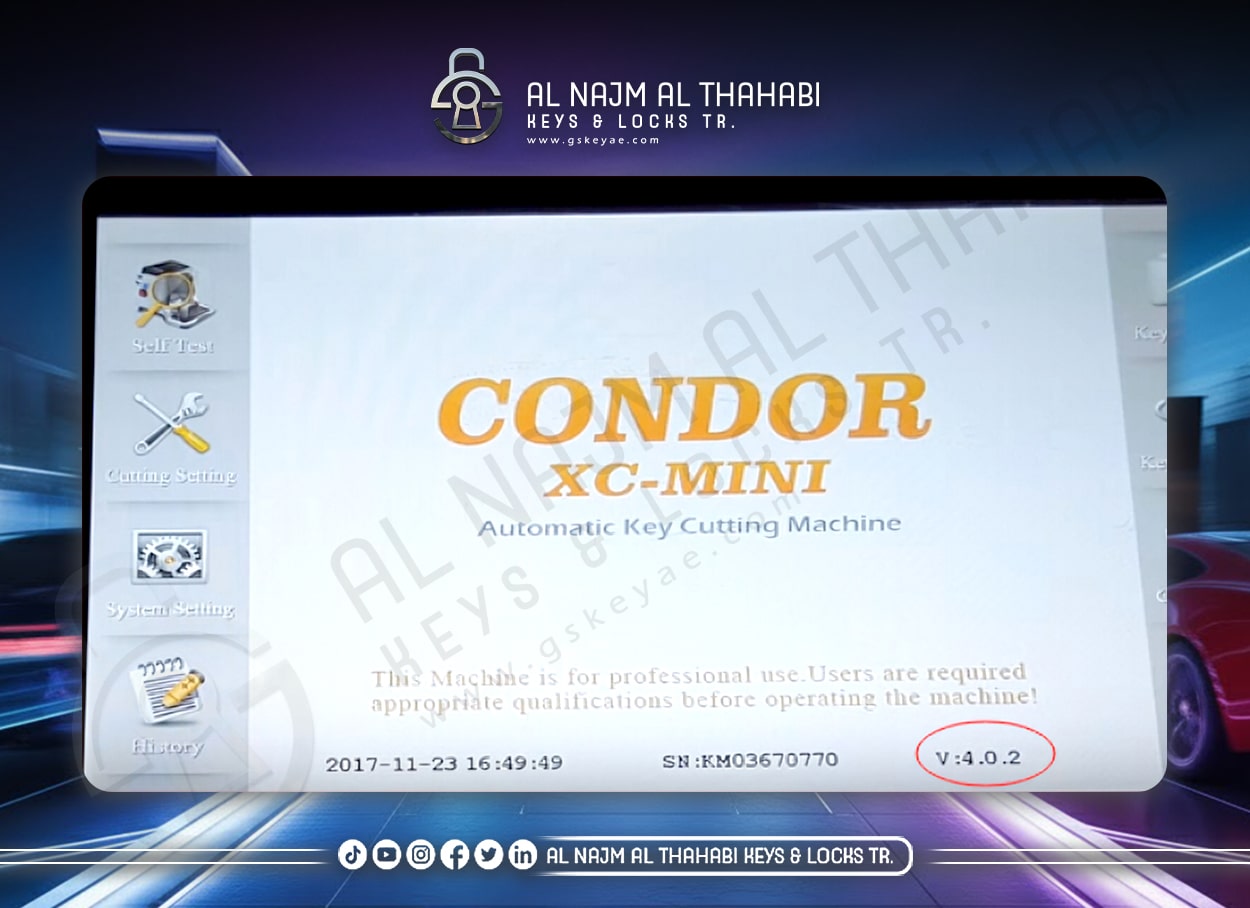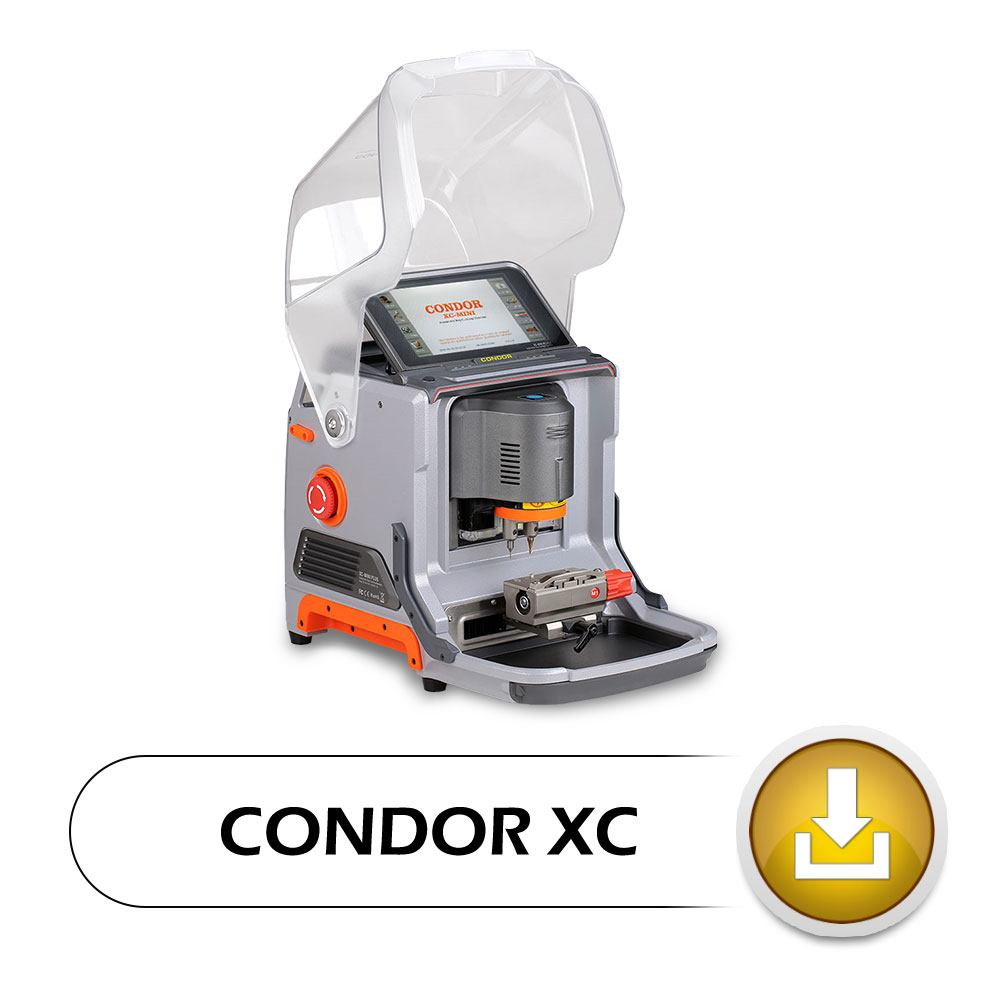
Download links :
How to Update Xhorse XC-Mini condor key cutting machine ?
Here’s the guide to update the Mini Condor key cutting machine
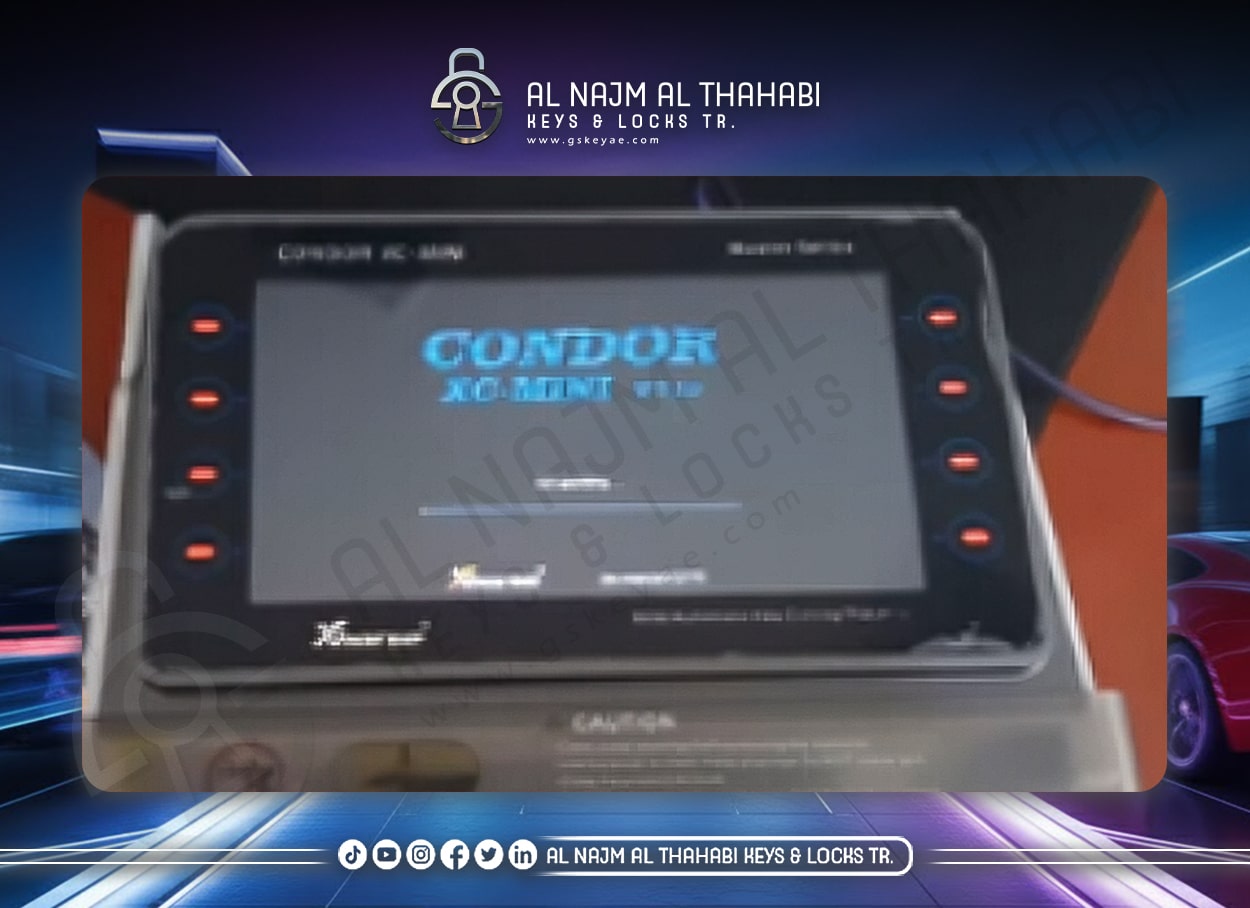
1.Power on mini condor
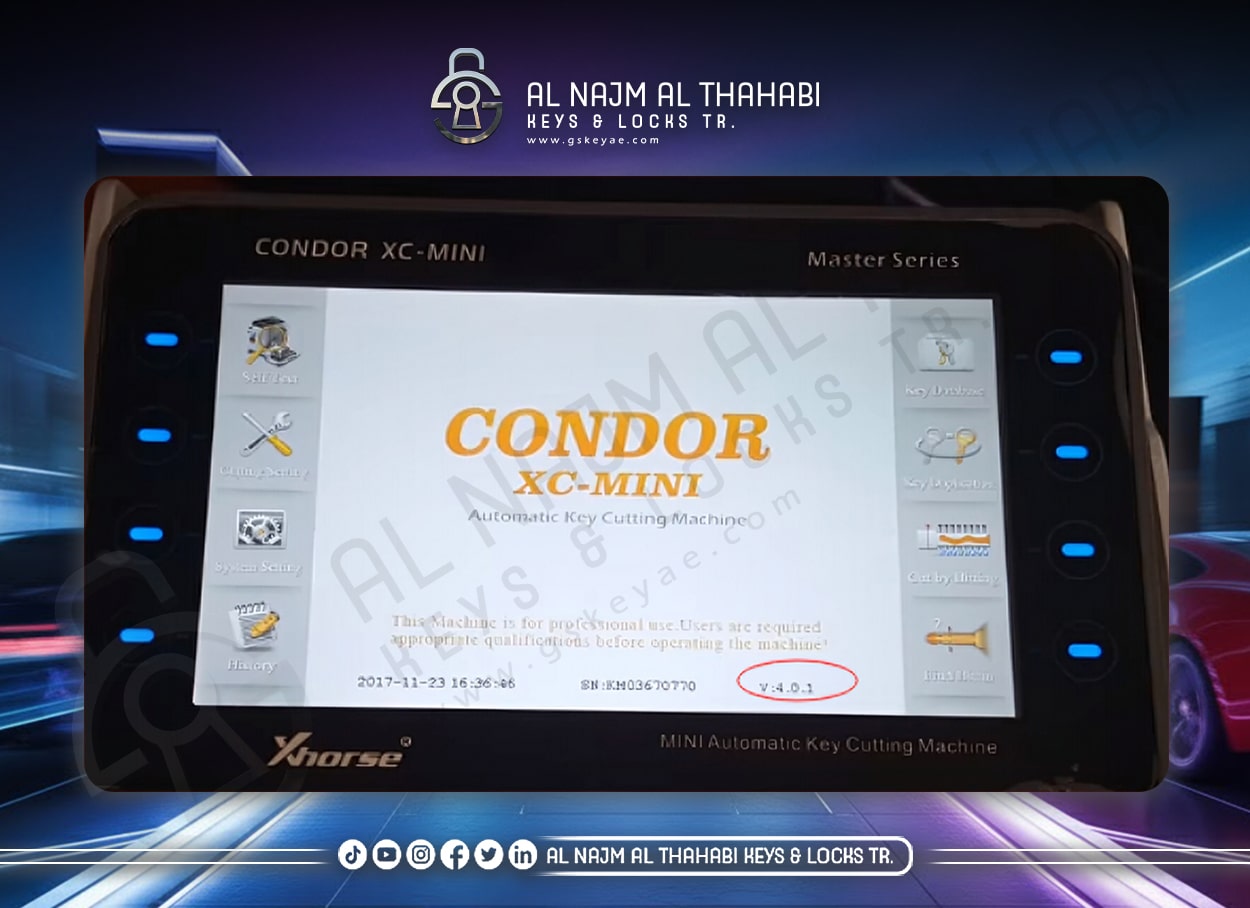
2.Download and unzip” Xhorse update Kit”
Copy and paste the ” Xhorse update Kit” on your desktop,then click it
Select XCMINI-KM03 and version V.5.0.4
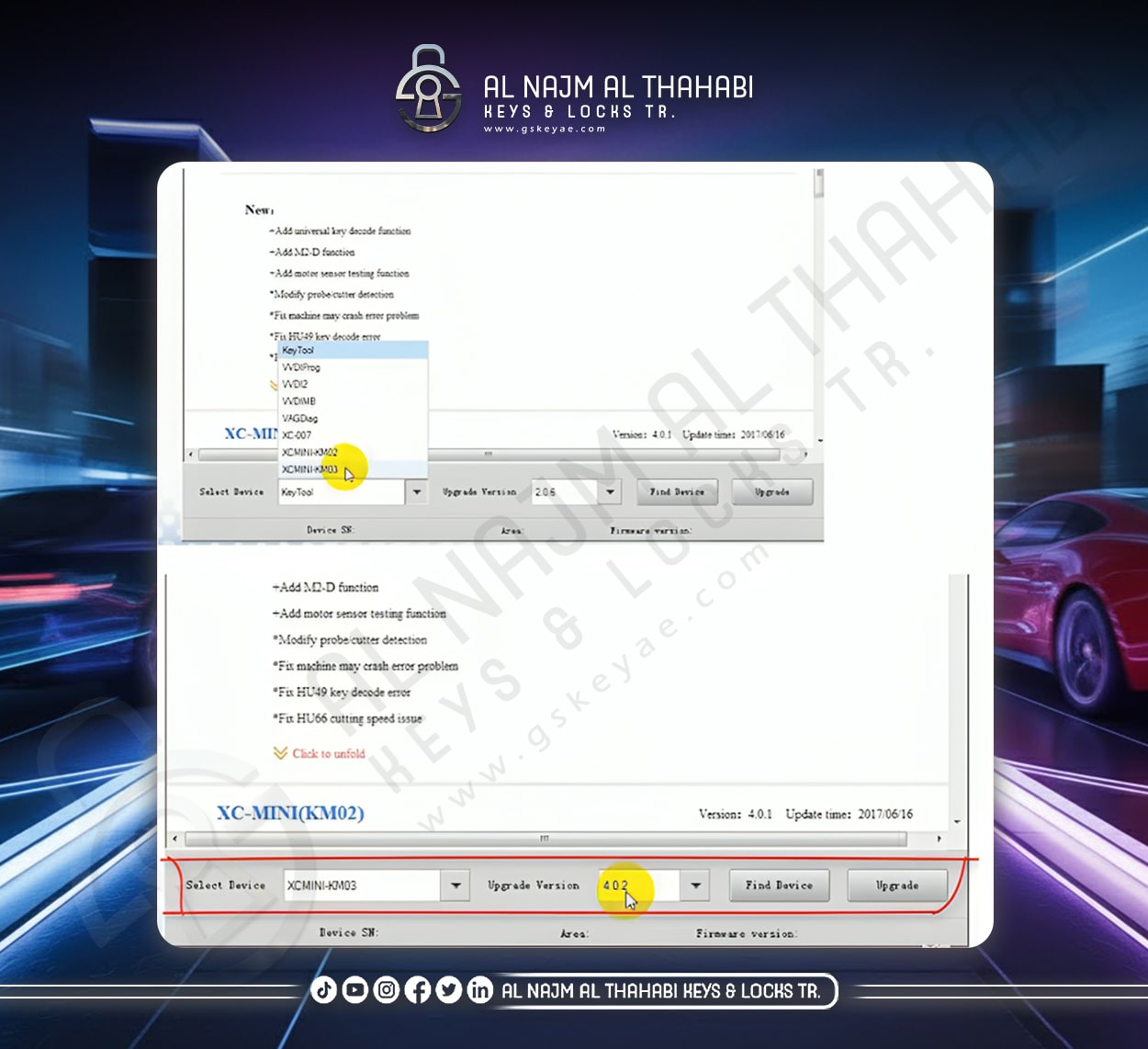
3.Find device and click on the upgrade
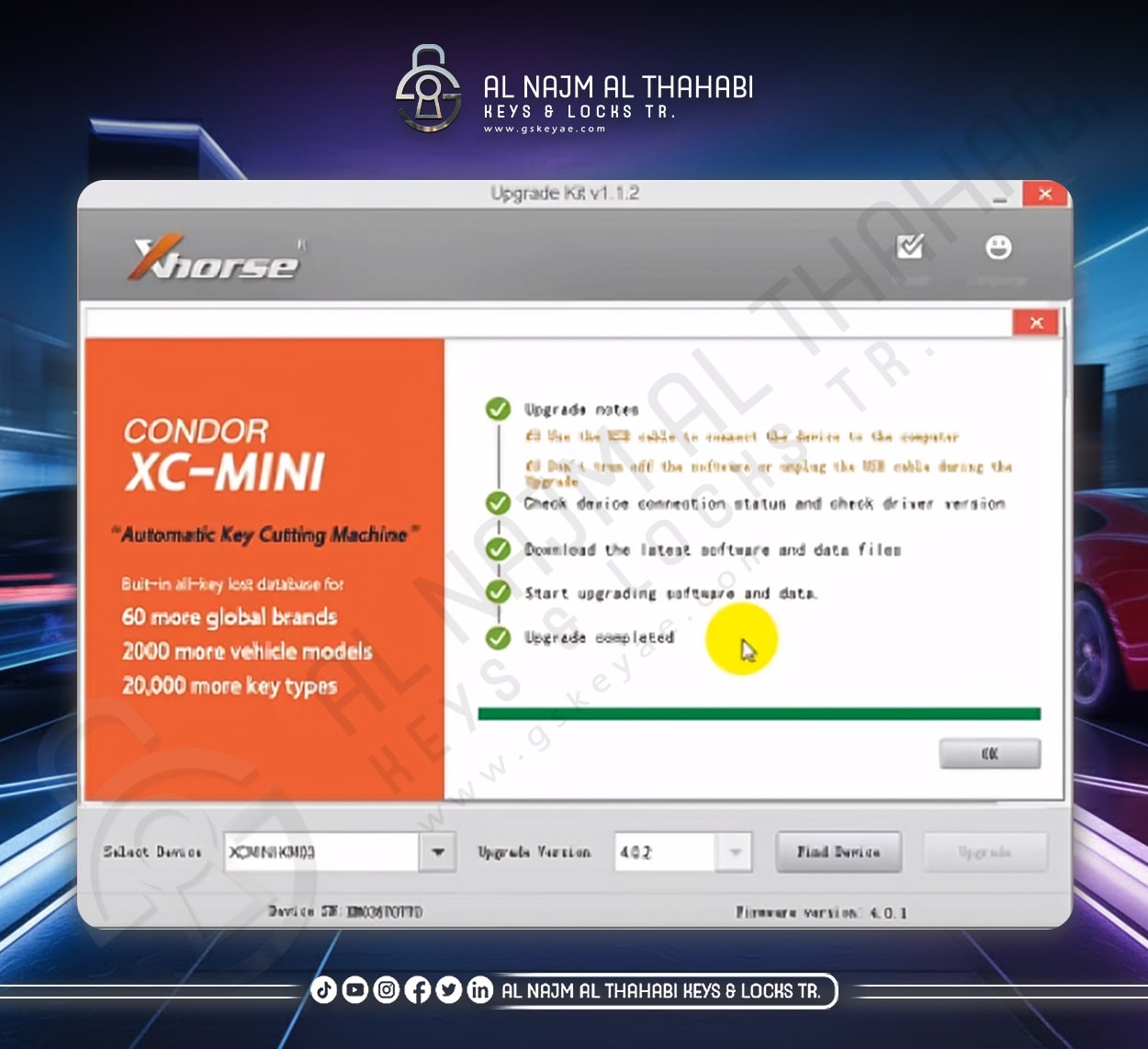
4.Connect the mini condor to your computer with the USB cable
Please don’t turn off the software or the unplug the USB cable during the upgrade.
Check device connect status and driver version
download the latest software and data files
5.Start the updating software and data then the upgrade completed